

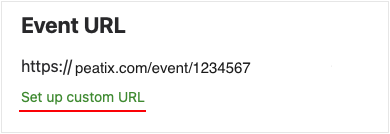
By default, your Peatix event URL will be "https://peatix.com/event/{7-8 digit number}". However, you can create a custom URL for your preferred text. You can set a custom URL from "5. Settings | Form".
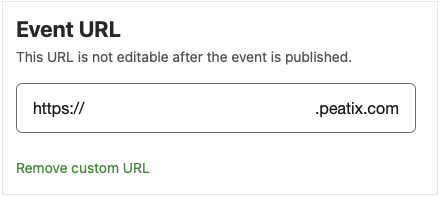
Click "Set up custom URL" to enter the subdomain—the part between "https://" and "peatix.com"—for your event URL.
Before the event is published, you can edit or remove the custom URL. Once the event has been published, the URL cannot be changed.
<Note>
- The event URL cannot be changed after the event is published.
- Once a custom URL is set to an event and the event is published, the same URL cannot be reused for another event.
- Special characters like " _ " (underscore), " . " (dot) and " / " (slash) cannot be used in a URL.