In the Activity feed of the group page, the group's organizer and co-organizers can post updates, announcements, and related content.
How to post
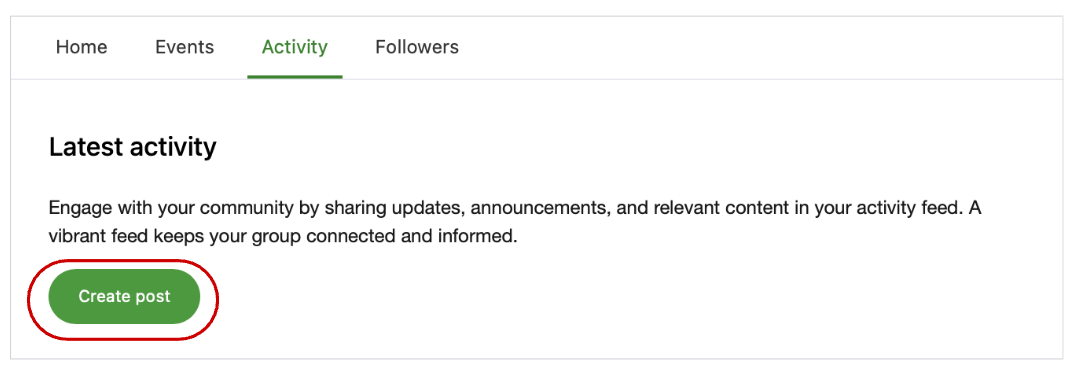
1. To create a post, select the "Activity" or "Home" tab, and click on "Create post".
2. Enter content and click on the Post icon (Paper airplane).
*You can use bold, italic, bullet lists, links, emojis, and add an image in your post.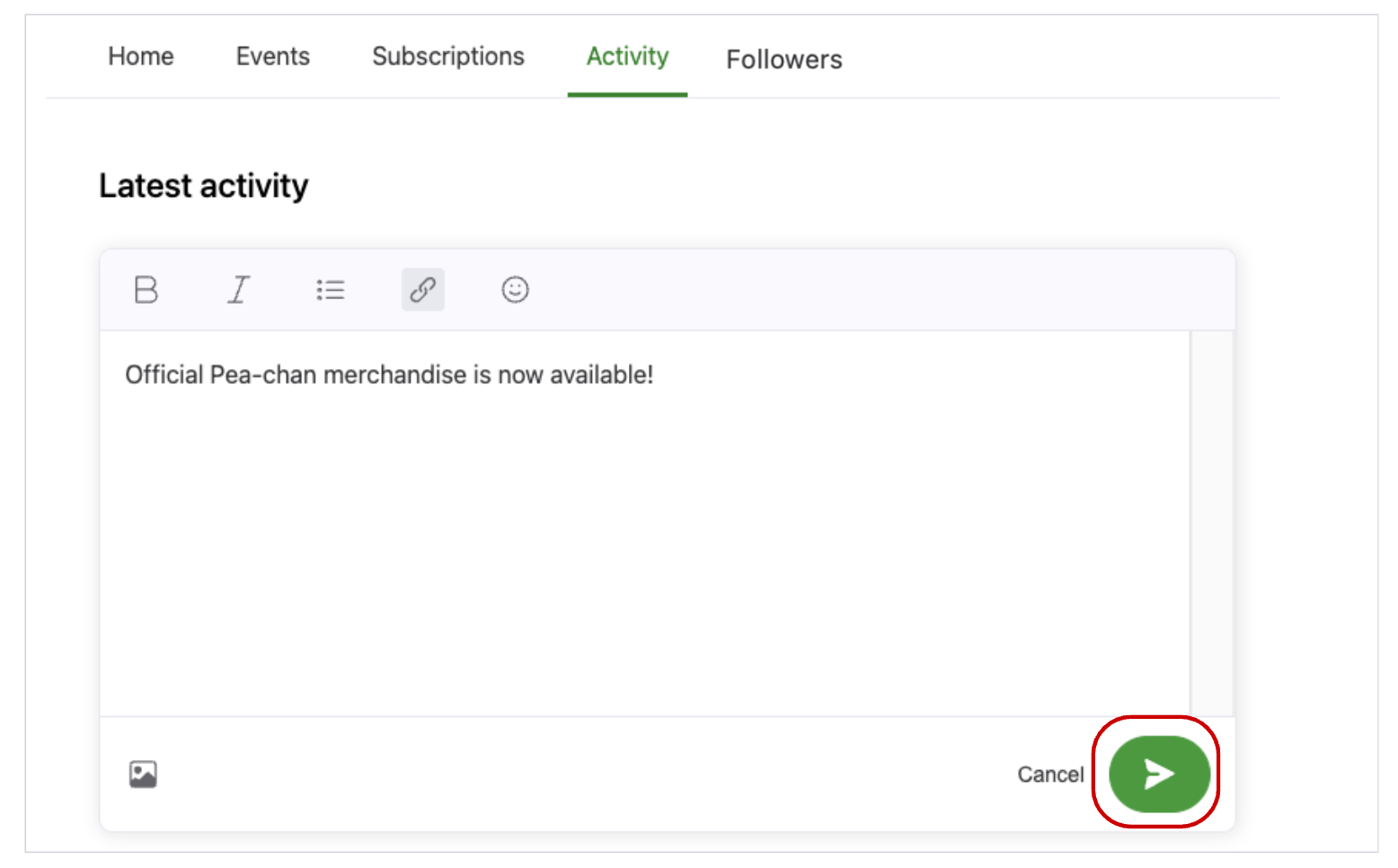
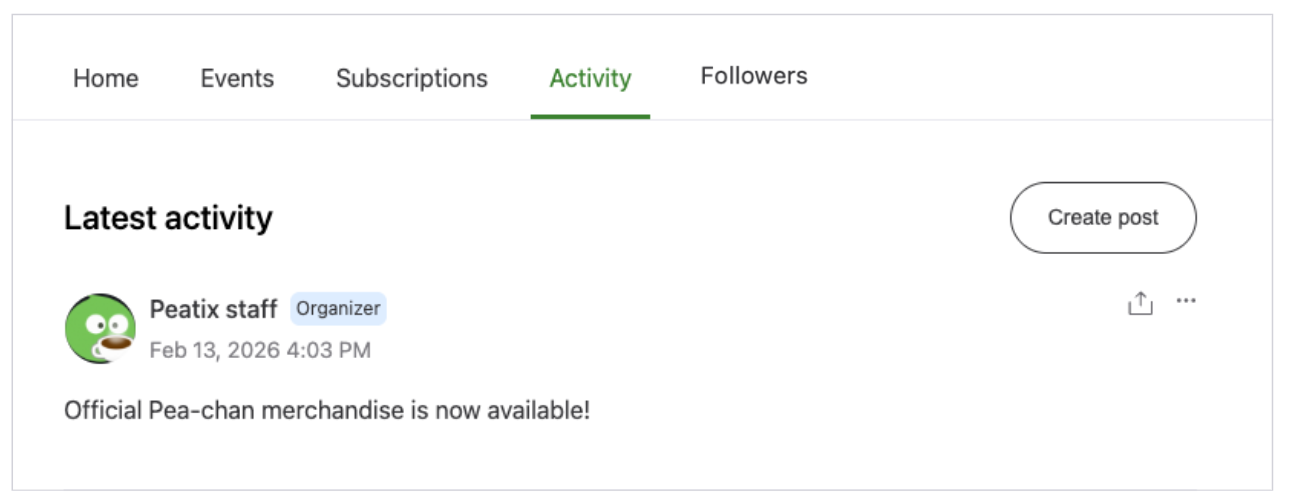
3. Your post will be published as "Latest Activity".
How to edit
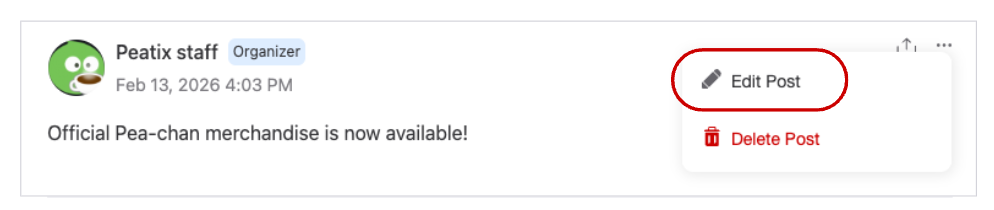
1. Go to the post you wish to edit and click on "Edit Post" from the "..." menu at the top right corner.
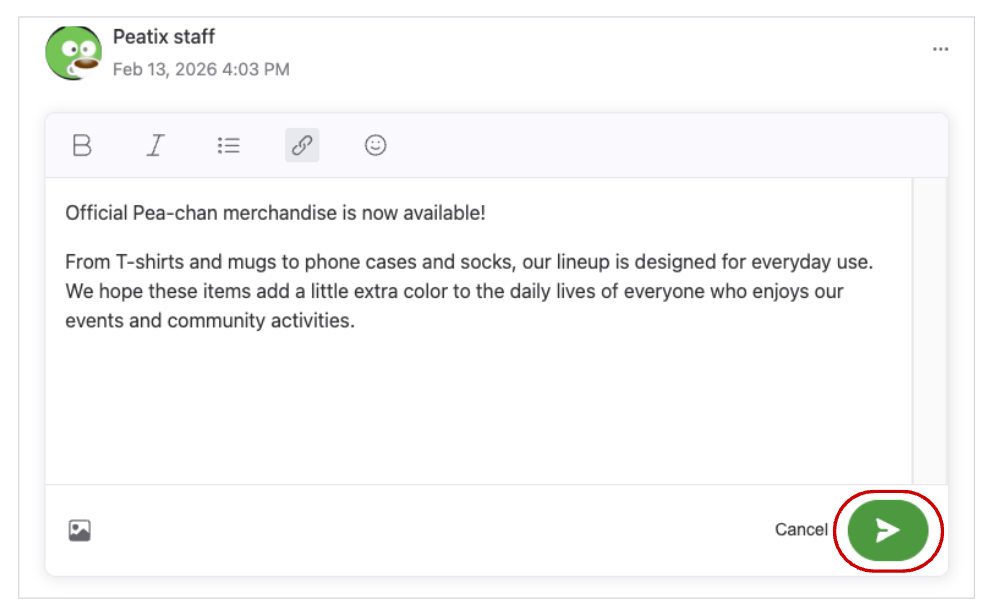
2. Click the Post icon (Paper airplane) when the confirmation screen appears. The date and time of the edit and “Edited” will be displayed.
*Once the post is edited, it cannot be undone.
How to delete
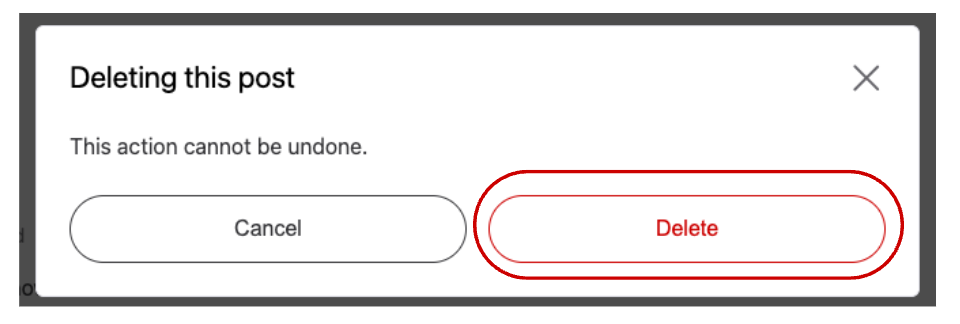
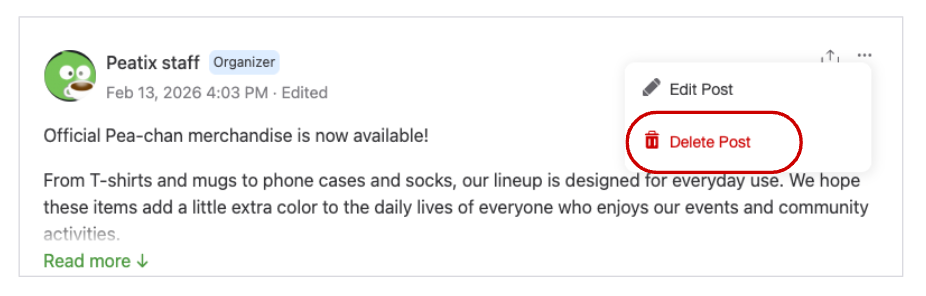
1. Go to the post you wish to remove and click on "Delete" from the "..." menu at the top right corner.
2. A confirmation screen will appear. Click on "Delete" to proceed.
*Once a post is deleted, it is permanently removed from the feed and cannot be restored.