

- “Recurring Event” Definition
- Use Cases for “Recurring Event”
- How to Set Up “Recurring Event”
- Important Notes about “Recurring Event”
“Recurring Event” Definition
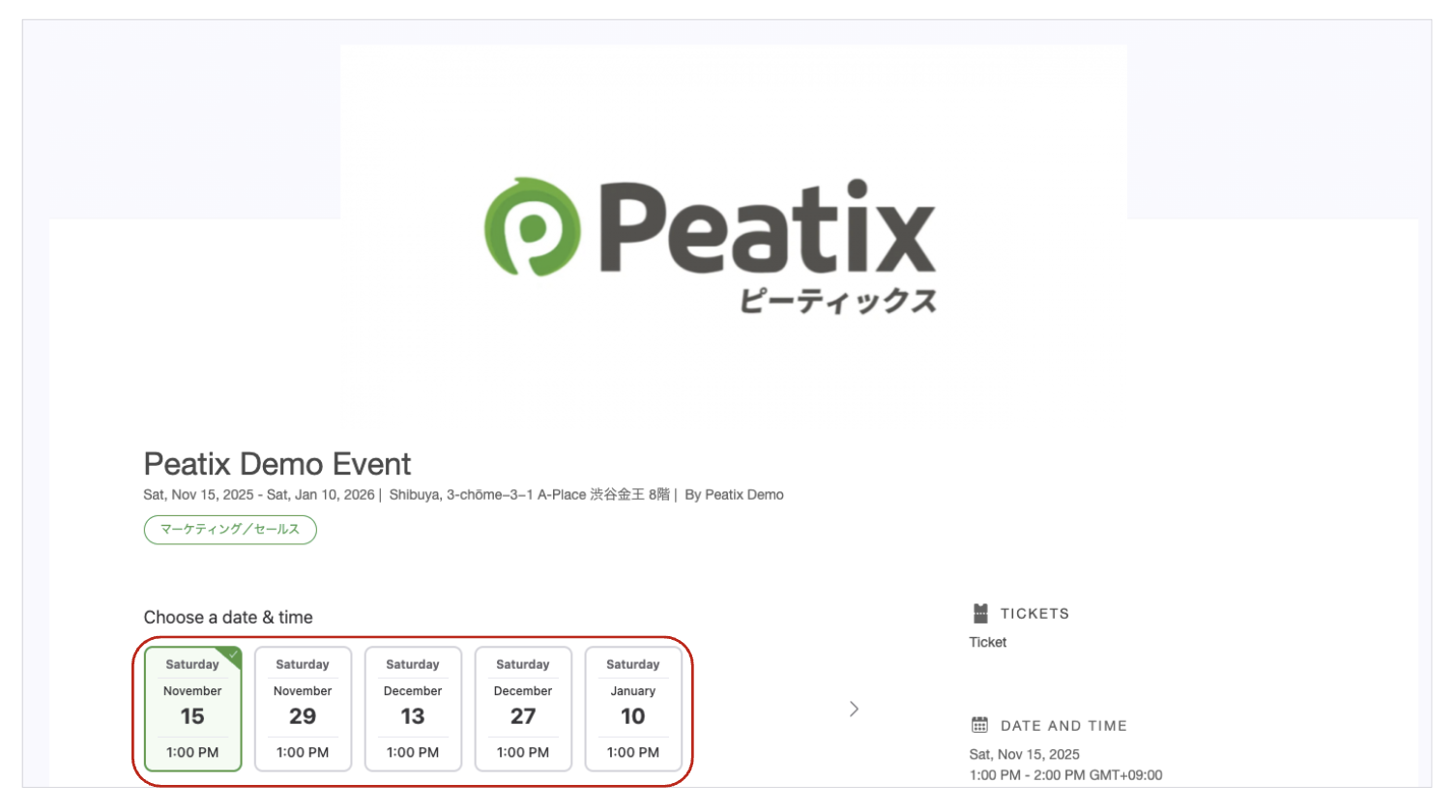
The “Recurring Event” feature allows you to set multiple session under a single event page.
By selecting “Recurring Event” when creating an event, you can now manage orders and other details within a single event page—without needing to create separate pages for each occurrence.
This feature is ideal for events that are held multiple times with the same content delivered at regular intervals.
Use Cases for “Recurring Event”
- Lessons or seminars held every week or month.
- Performances, exhibitions, or shows held multiple times over a certain period.
How to Set Up “Recurring Event”
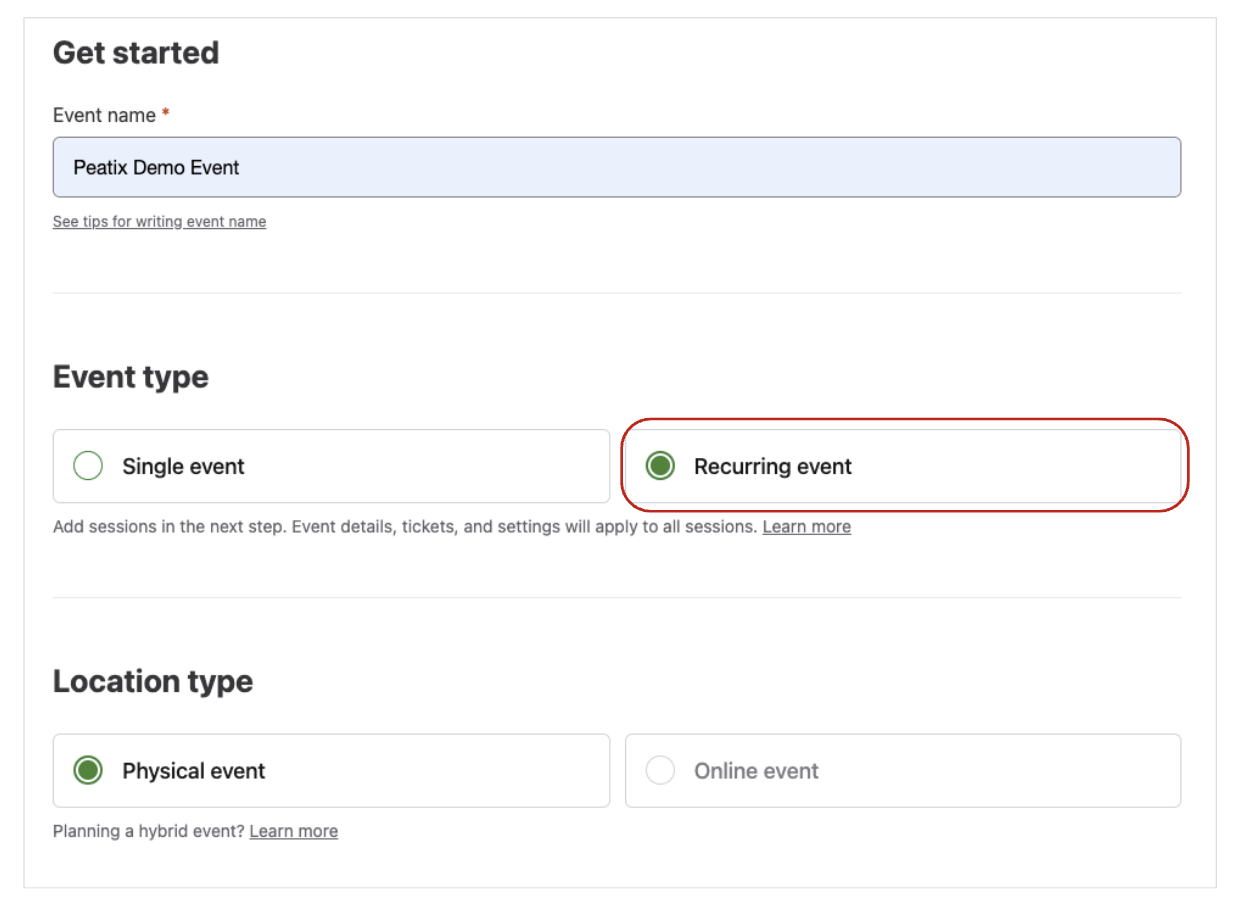
1. On the event‑creation page, under “Event type” select “Recurring event”.
2. In “Schedule sessions” add the dates/times for the repeat occurrences. You can set up to 50 dates/times.
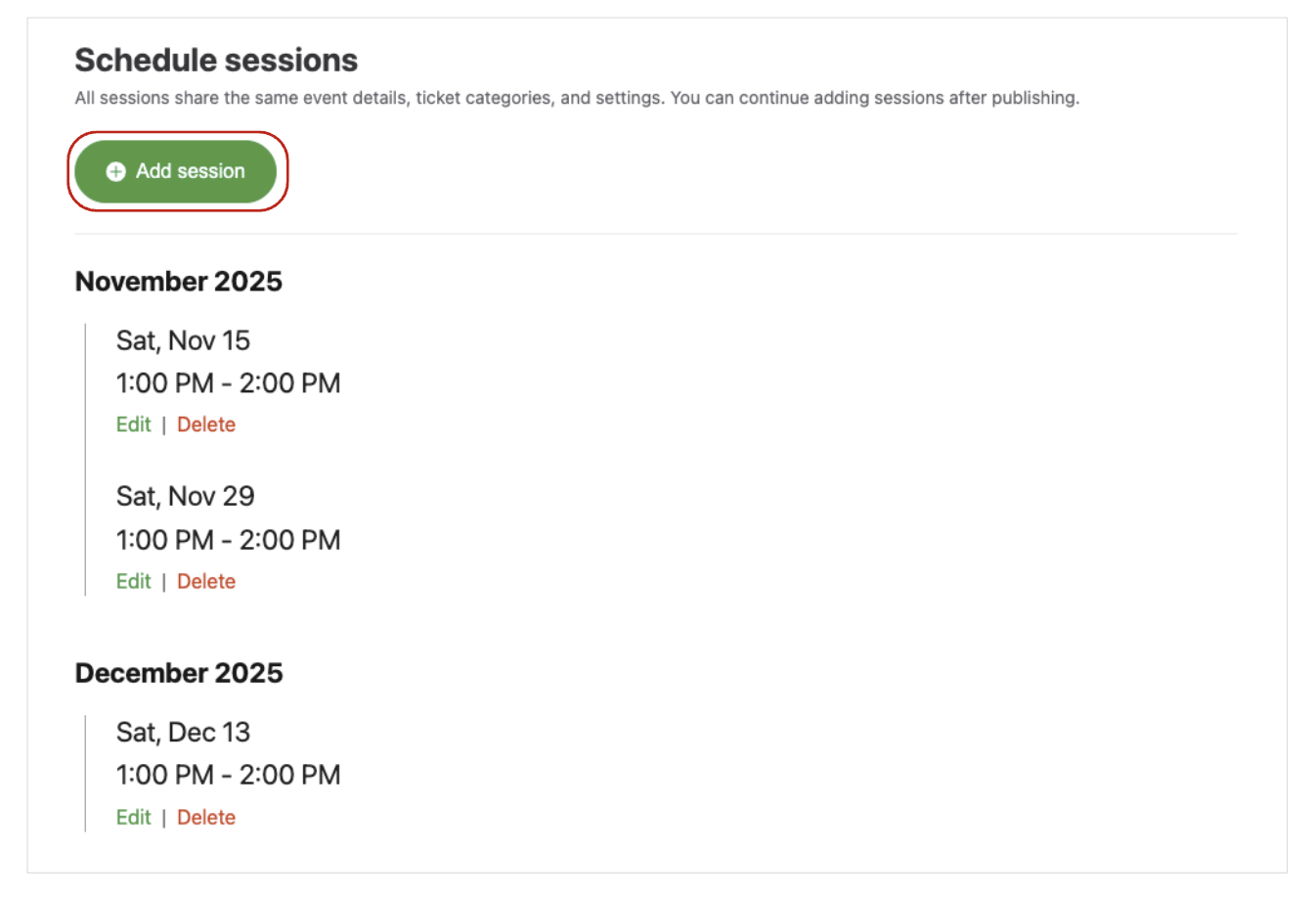
*Subsequent settings are the same as for single events. The process for creating events differs between physical events and online events. Please refer to the respective help pages for details.
How to create an event (Physical event)
How to create an event (Online event)
Important Notes about “Recurring Event”
- The event details, ticket types, and settings apply to all sessions. You cannot configure each session individually. If you need individual settings per date, choose “Single event” and create separate pages. Please refer to How can I create an event with multiple shows or time slots?
Ticket‑related
- Ticket sales begin immediately once the event page is published. It is not possible to set a ticket sales start date/time or end date/time.
- The planned number of tickets is the same for each session. You cannot change that number individually for a given date.
- After sales start, you cannot reduce the planned tickets below the number already sold. If you increase the planned tickets, dates that had sold out will reopen automatically.
- Tickets are issued for each occurrence date separately.
- Payouts are made individually after each session end. You cannot wait until all dates finish or specify a payout after a particular date.
Attendee‑management
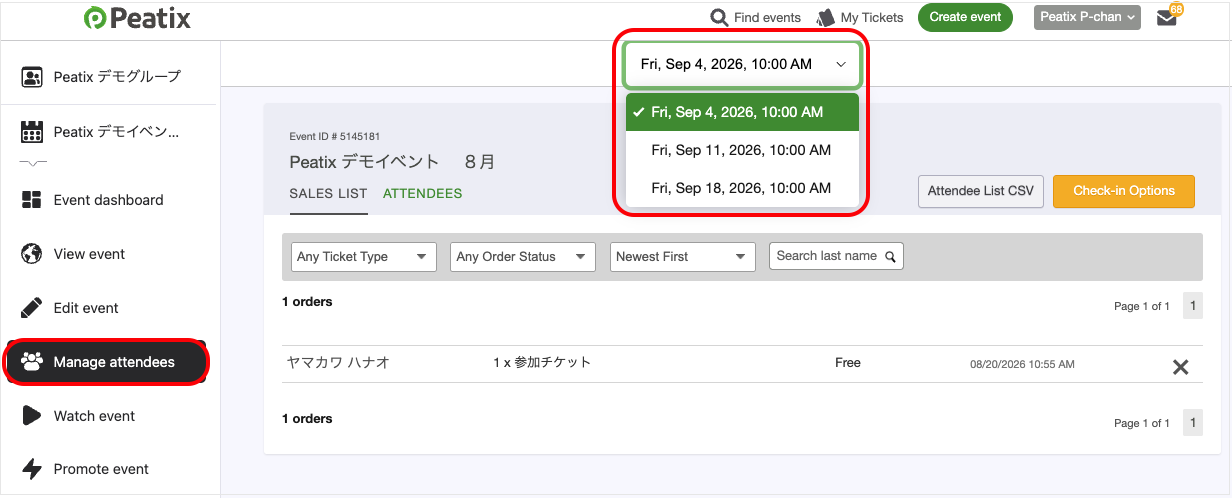
- Attendee information (e.g., name in kana, ticket count) is available per occurrence date. Not available for the whole event collectively.
- You can download the attendee list per occurrence date. All form‑collected data is automatically deleted 30 days after each session end.
Check in attendees
- Check‑in is available per session.
Cancellation
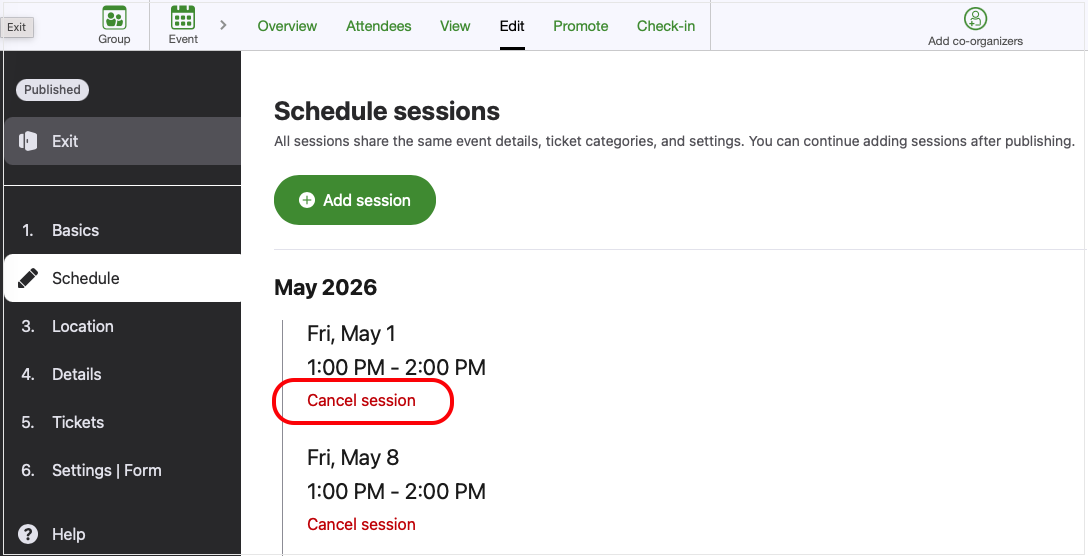
- Once the event page is published, you can cancel by sessions.
Other
- Custom URLs are not supported for recurring event.
- The source of traffic (referrer) to the event page is shown for the entire event, not by sessions.
- Attendees cannot “favorite” a recurring‑event registration (favourite/bookmark).